SellerSprite's Competitor Research updates over 100,000 ASINs' BSR rankings per month for each marketplace (up to 300,000 in the US), helping you uncover competitors' strategies.
Open Competitor Research Now
Run bulk lookups, track BSR and sales, and discover winning products in minutes.
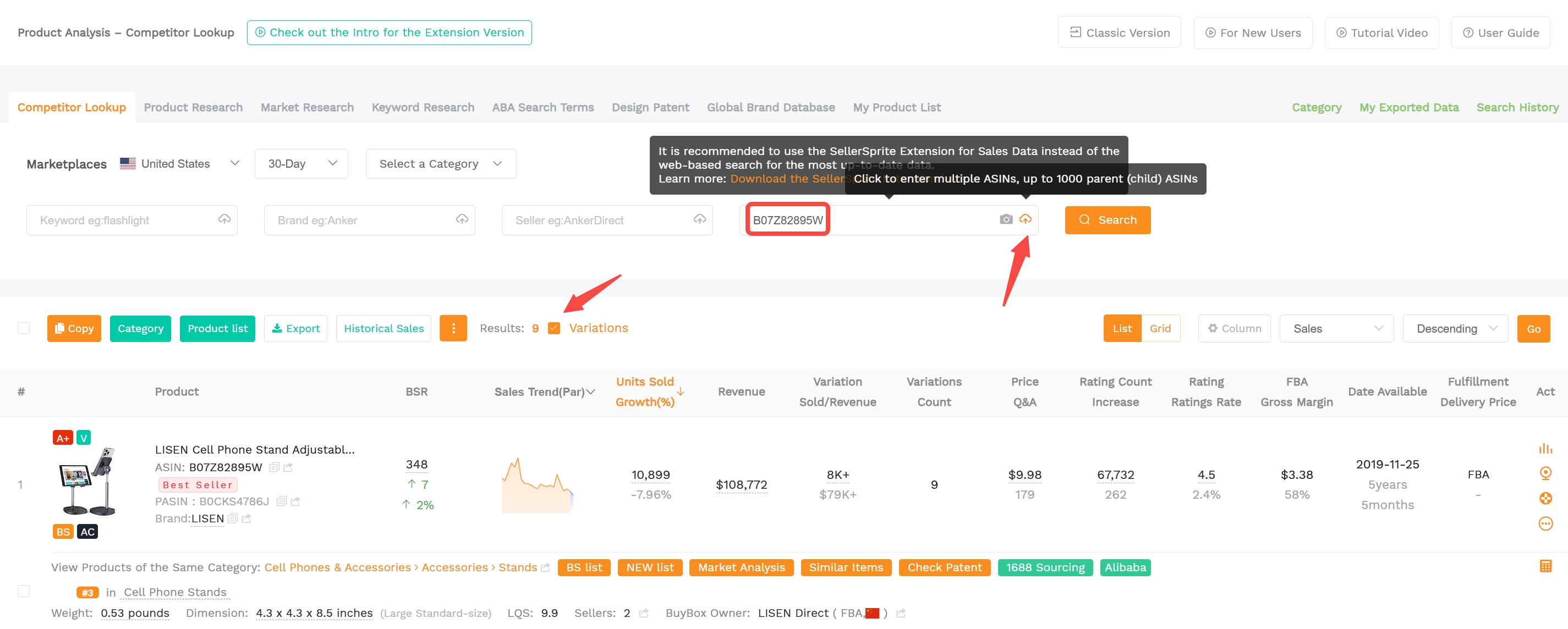
1. Search By ASIN
The most direct way to analyze a product. Enter an ASIN to view BSR rank, price, reviews, rating, estimated monthly sales, and sales trend. You can paste up to 1,000 ASINs at once. Enable Variations to include all child ASIN data under the parent.
2. Search By Keyword
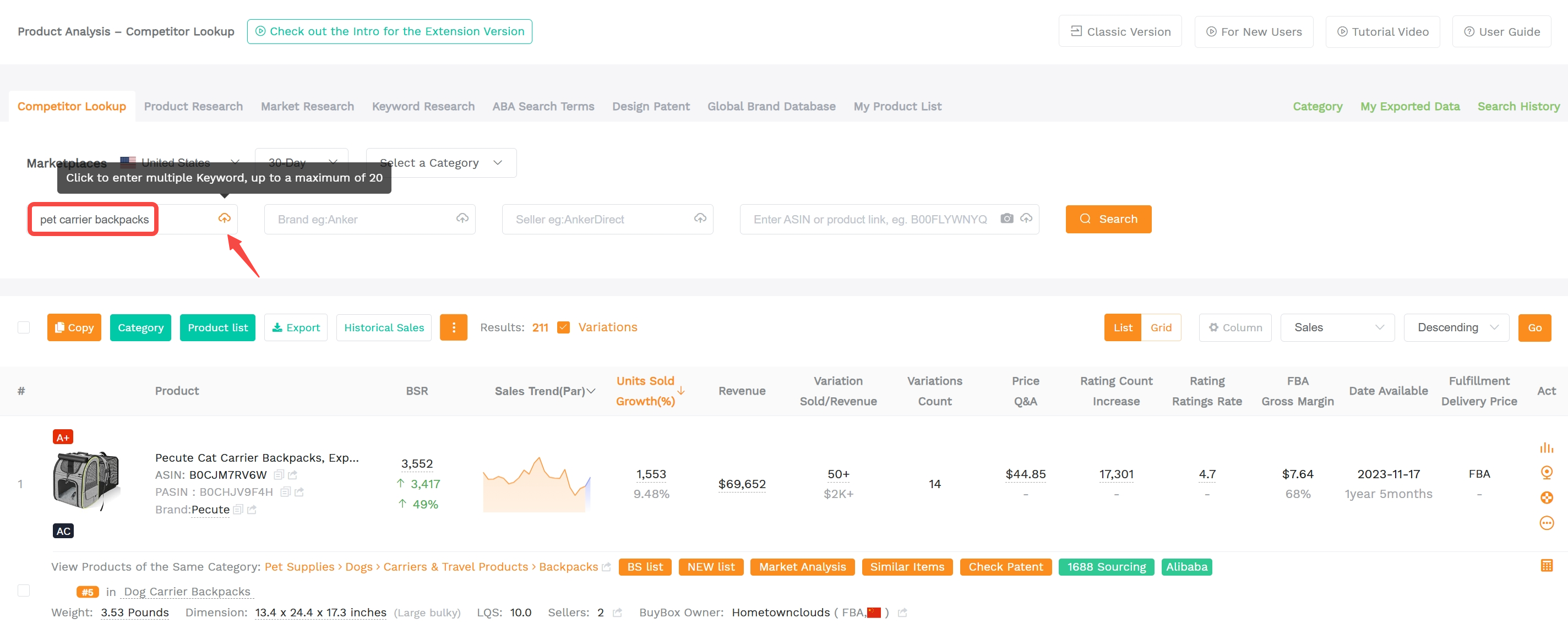
Analyze product distribution under a keyword. For example, a bag manufacturer can search "pet carrier backpacks" and sort by monthly sales to discover popular styles.
3. Search By Brand
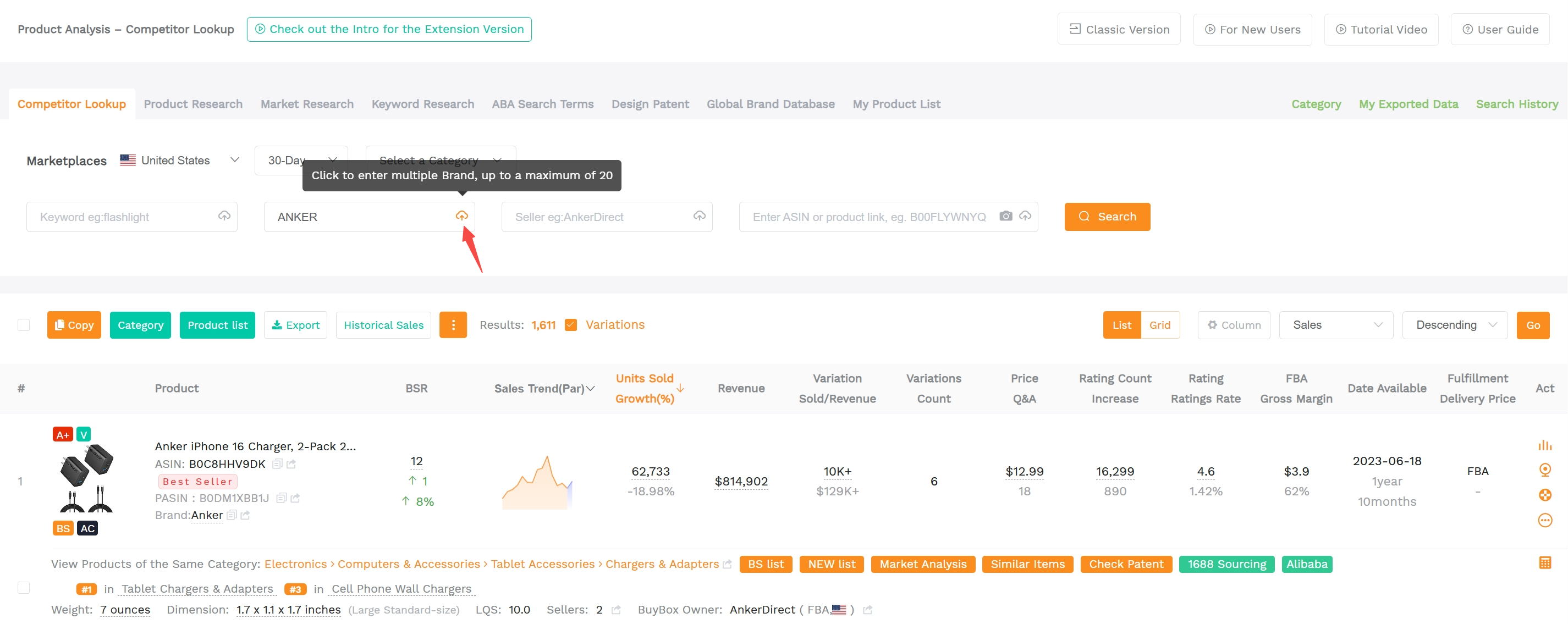
Before entering a market, study the leading brands. Benchmark their catalog types, categories, and sales performance to set realistic targets.
4. Search By Seller Name
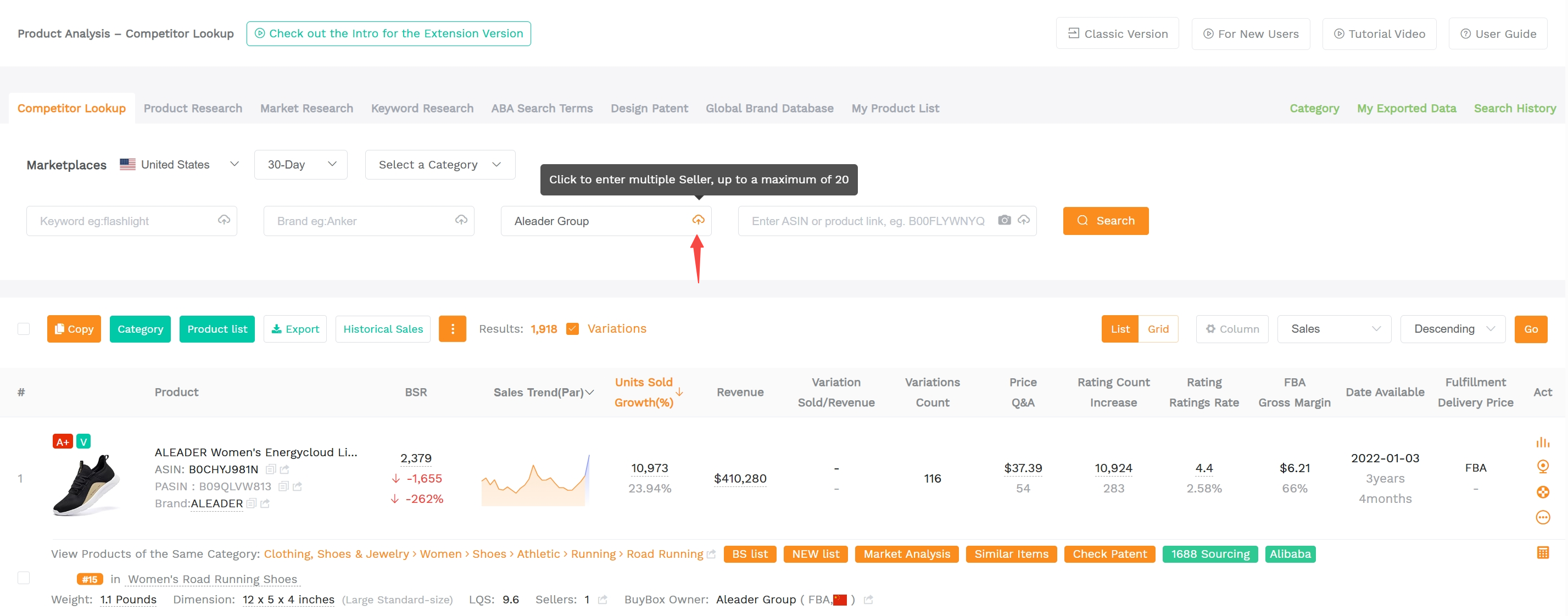
Understand a competitor's storefront at a glance, and identify bestsellers, loss leaders, and profit drivers.
Use New Listing Tracker to monitor launches and category focus over time to see if they follow a boutique or mass-listing strategy and which segments they target.
Pro Tips
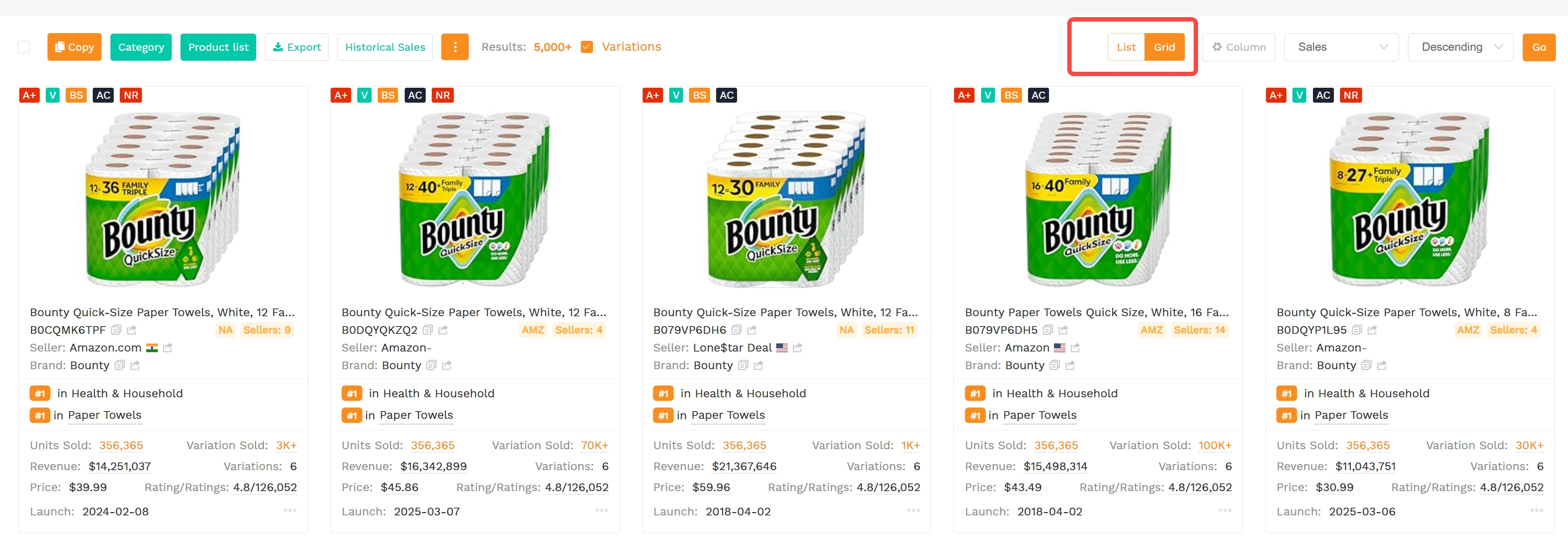
List / Grid View
Toggle between list and grid modes. Grid mode gives a clearer visual of product design. Your last selection is saved.
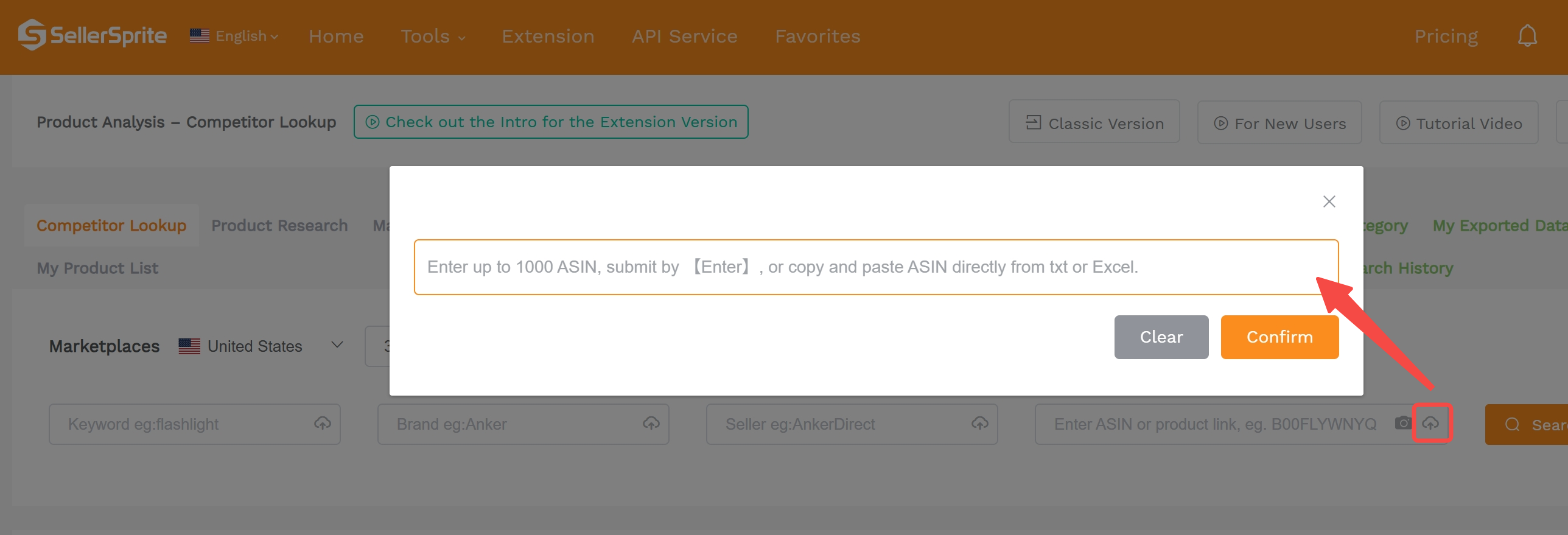
Bulk Search
Use the icons next to each query field to search in bulk:
Keywords: up to 20
Brands: up to 20
Sellers: up to 20
Parent/Child ASINs: up to 1,000
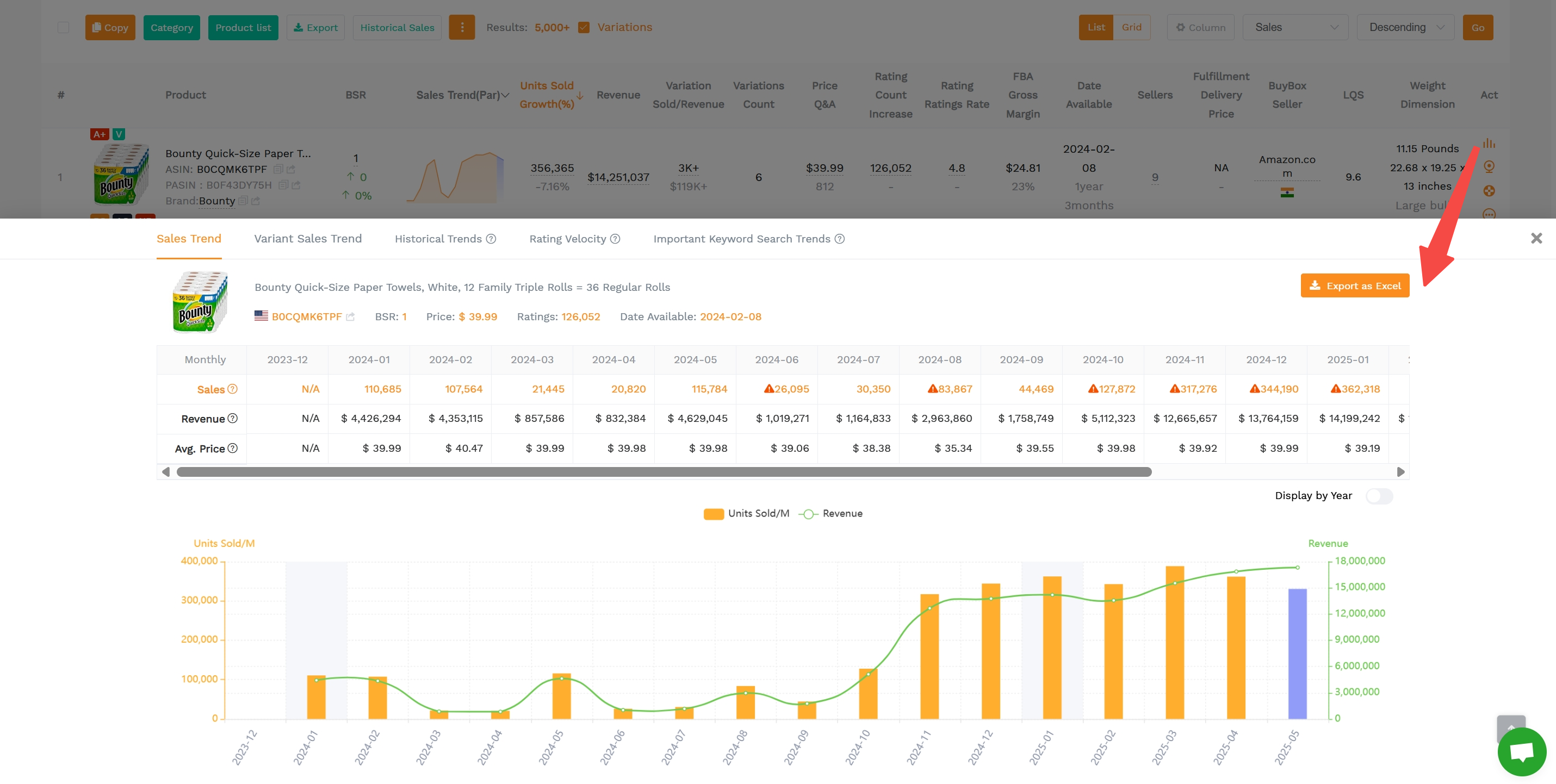
View Historical Trends
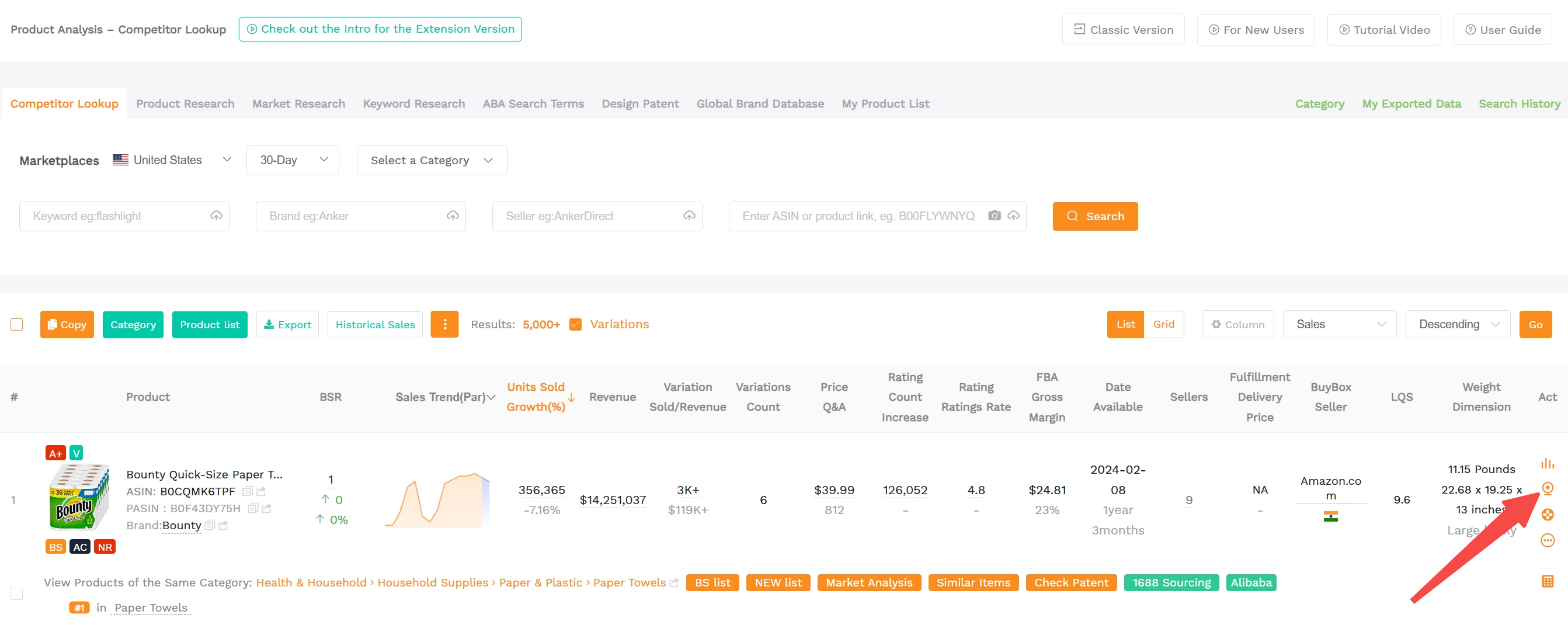
Click the trend icon to view up to 3 years of sales history alongside BSR, price, reviews, and top keyword trends.
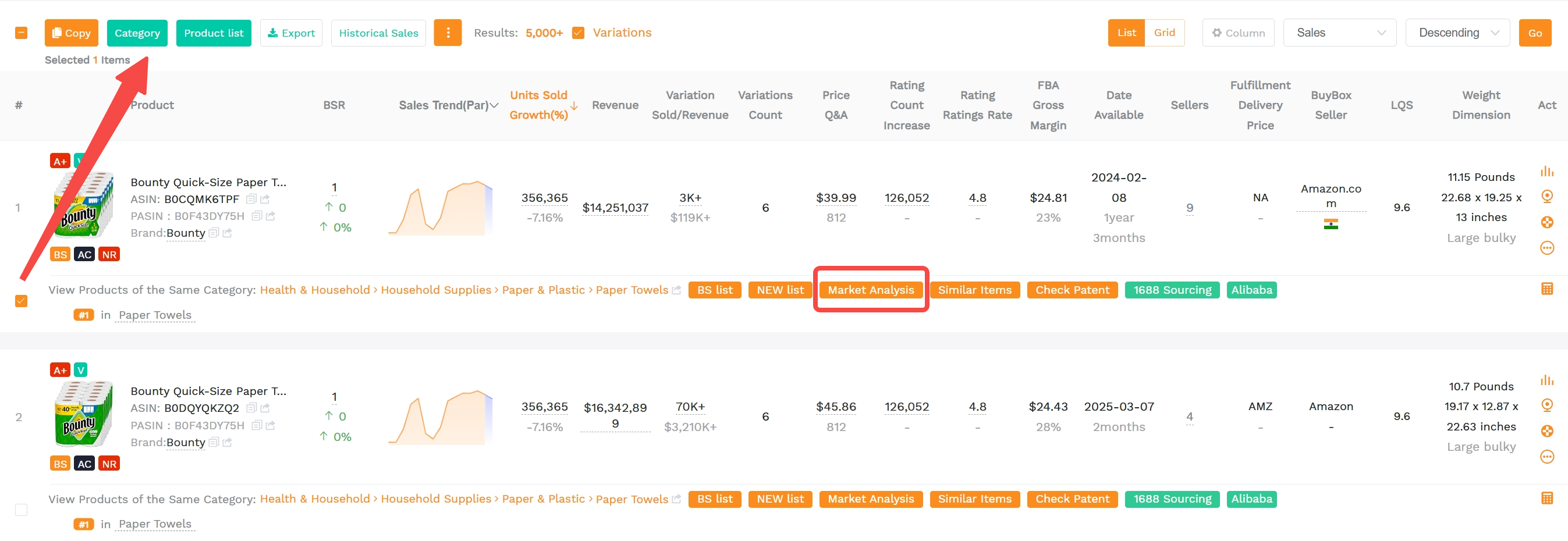
Custom Categories
Interested in a product? Click Market Analysis to jump into Category Insights for category-level insights, or add products to a custom category for later research.
Product Comparison / Traffic Comparison / Reverse Multiple ASINs
Select 2–5 products and click Comparison to view side-by-side data such as sales, price, BSR, and more.

Product Tracker
Click the track icon to follow a product's BSR, price, reviews, and more, updated every 24 hours. Tracked items are added to your Product Tracker list.
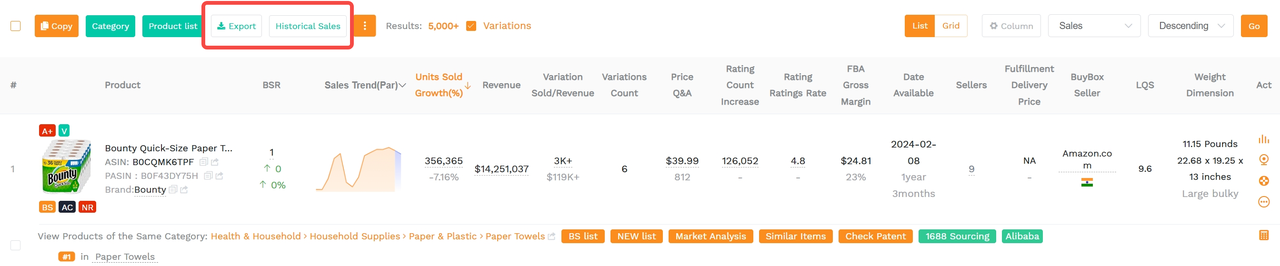
Bulk Export
Export to Excel: Download key info including image, brand, title, category, BSR, and price. Export limit: 2,000 rows (or 3,000 rows during off-peak hours 7 PM–7 AM CST). Tip: filter and sort first for cleaner exports.
Export Historical Sales: Export historical monthly sales and revenue for up to 100 ASINs (Pro users can export 50 times per day).
Try Category Insights Next
Jump from product findings to category-level insights and validate demand before launching.


Quantity sold in 30 days is inaccurate. I've checked my own listings where an item sold 15, show 35. Another one sold 25 shows 60.
Reply 1
Like 0