1. Click this link: Mac App Store
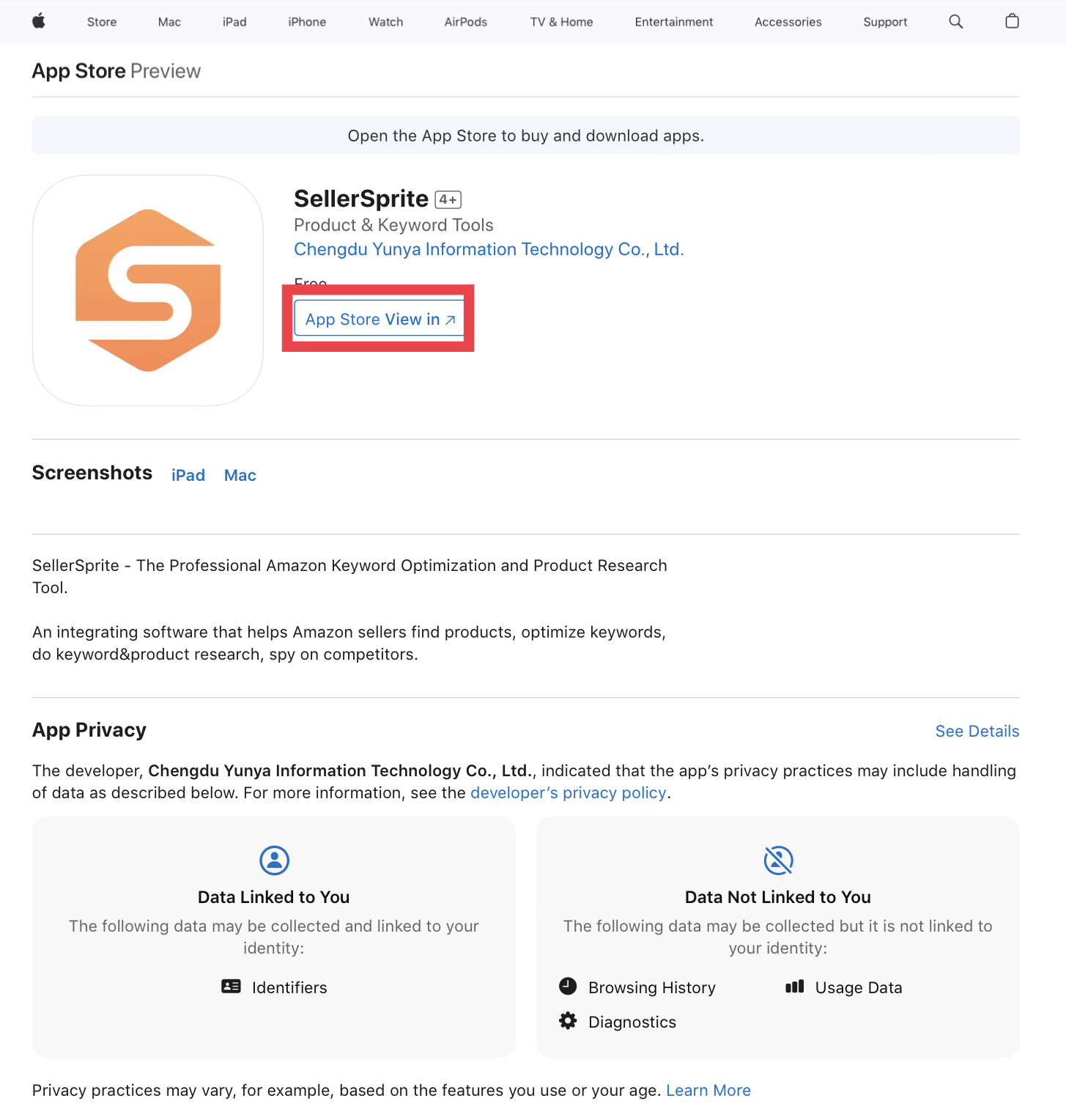
2. Click the "App Store View In" button in the pop-up box, click "Get" the SellerSprite
3. After the download is completed, open the Safari browser - Settings - Manage Extensions, Enable the SellerSprite extension
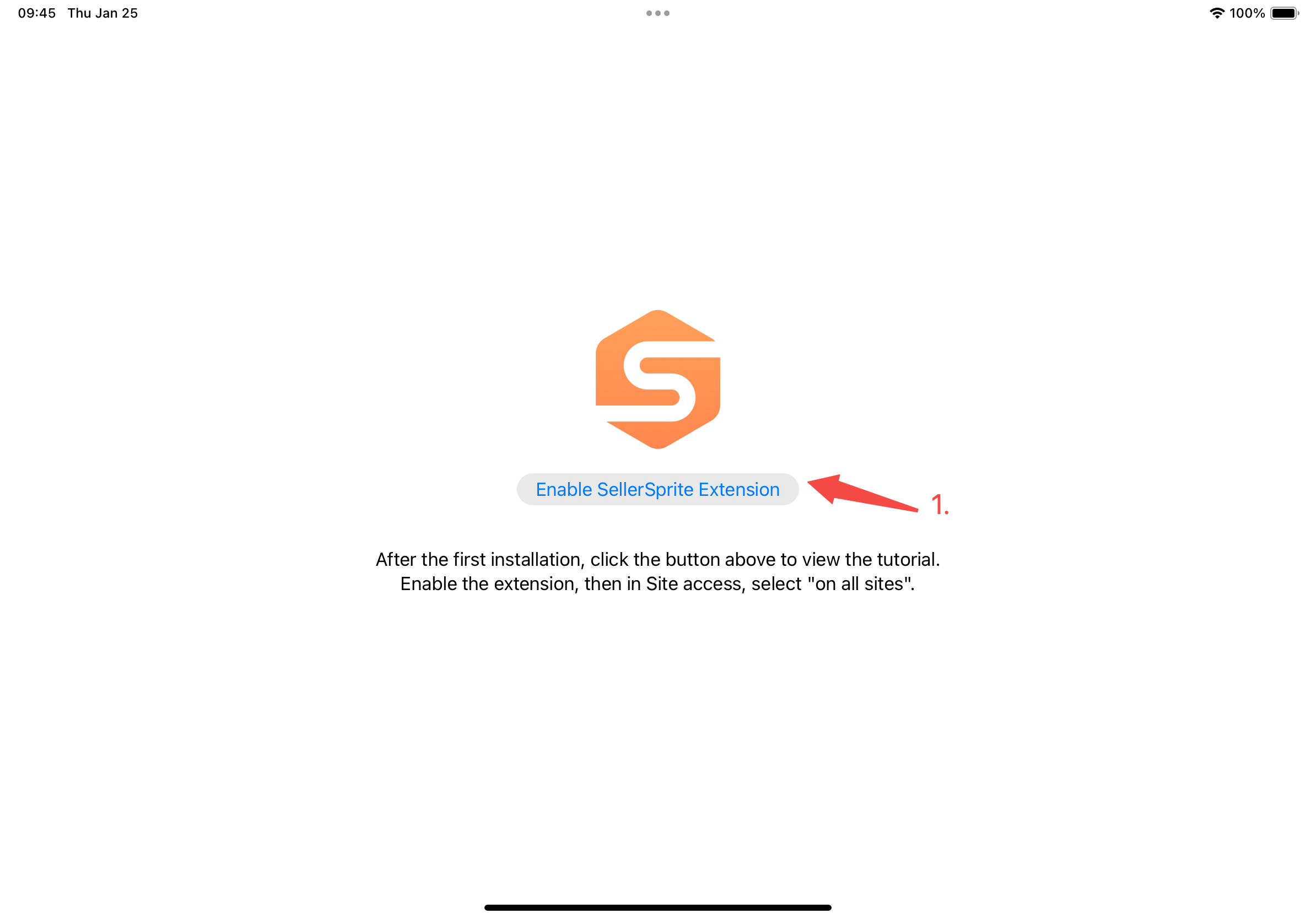
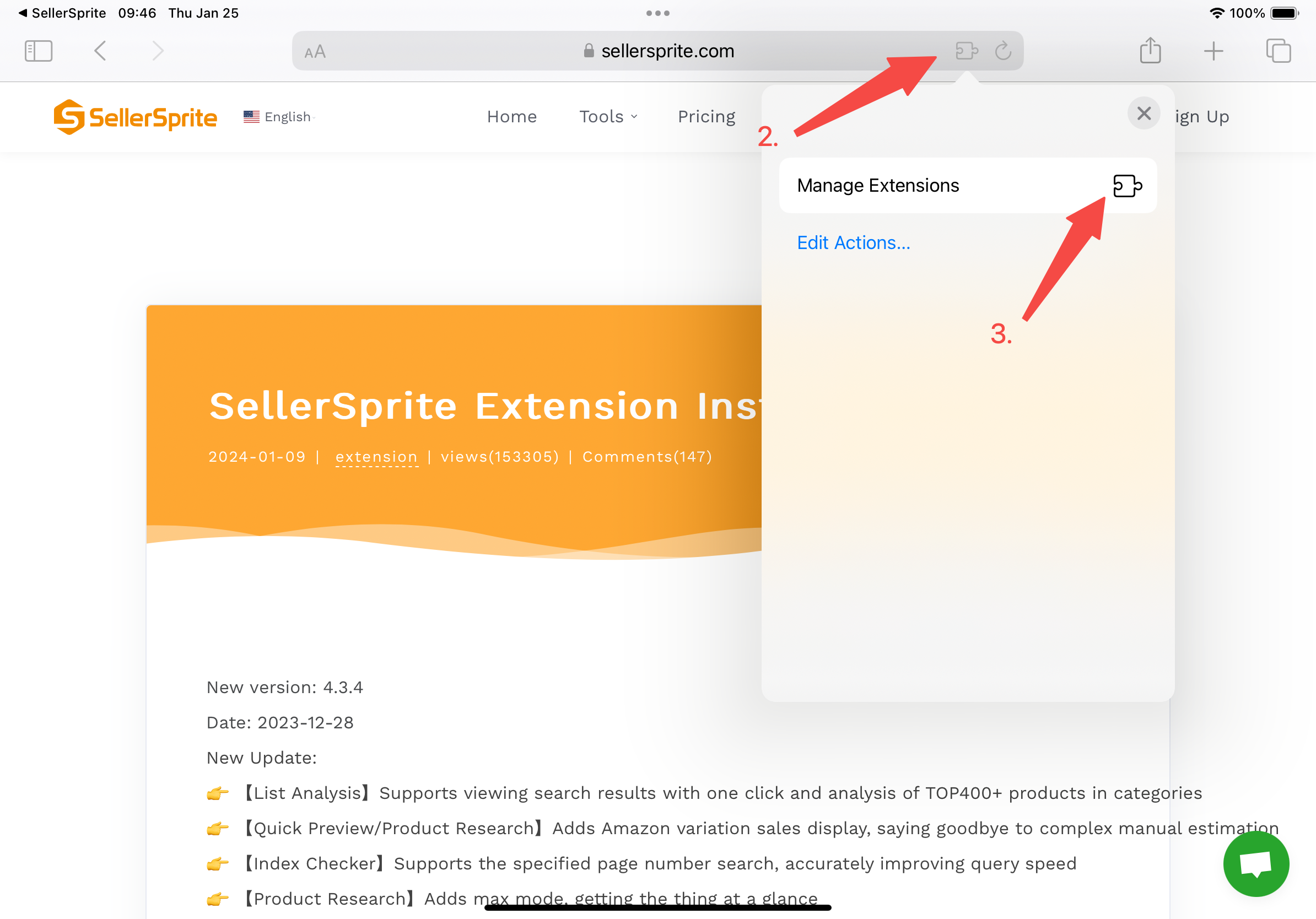


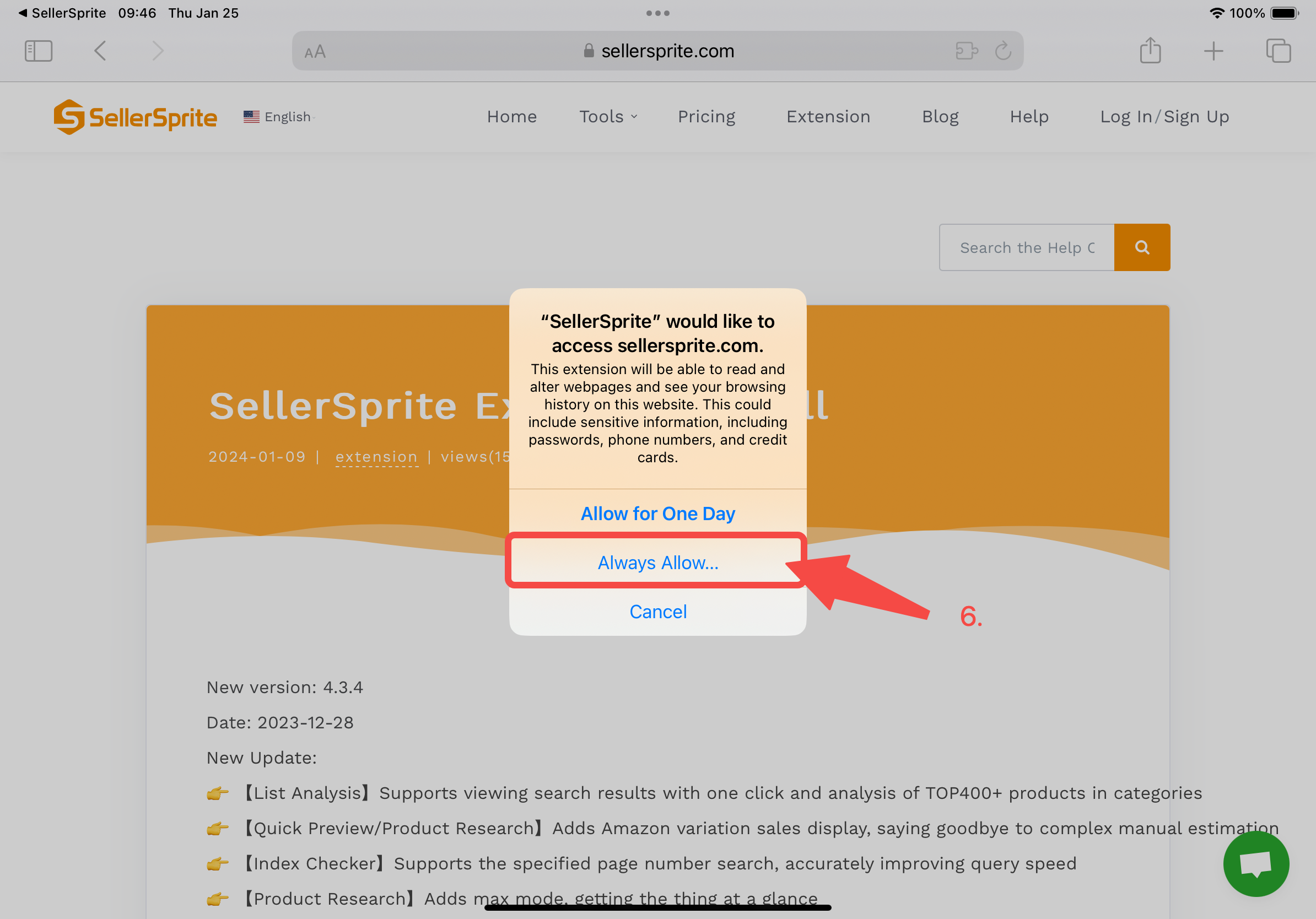
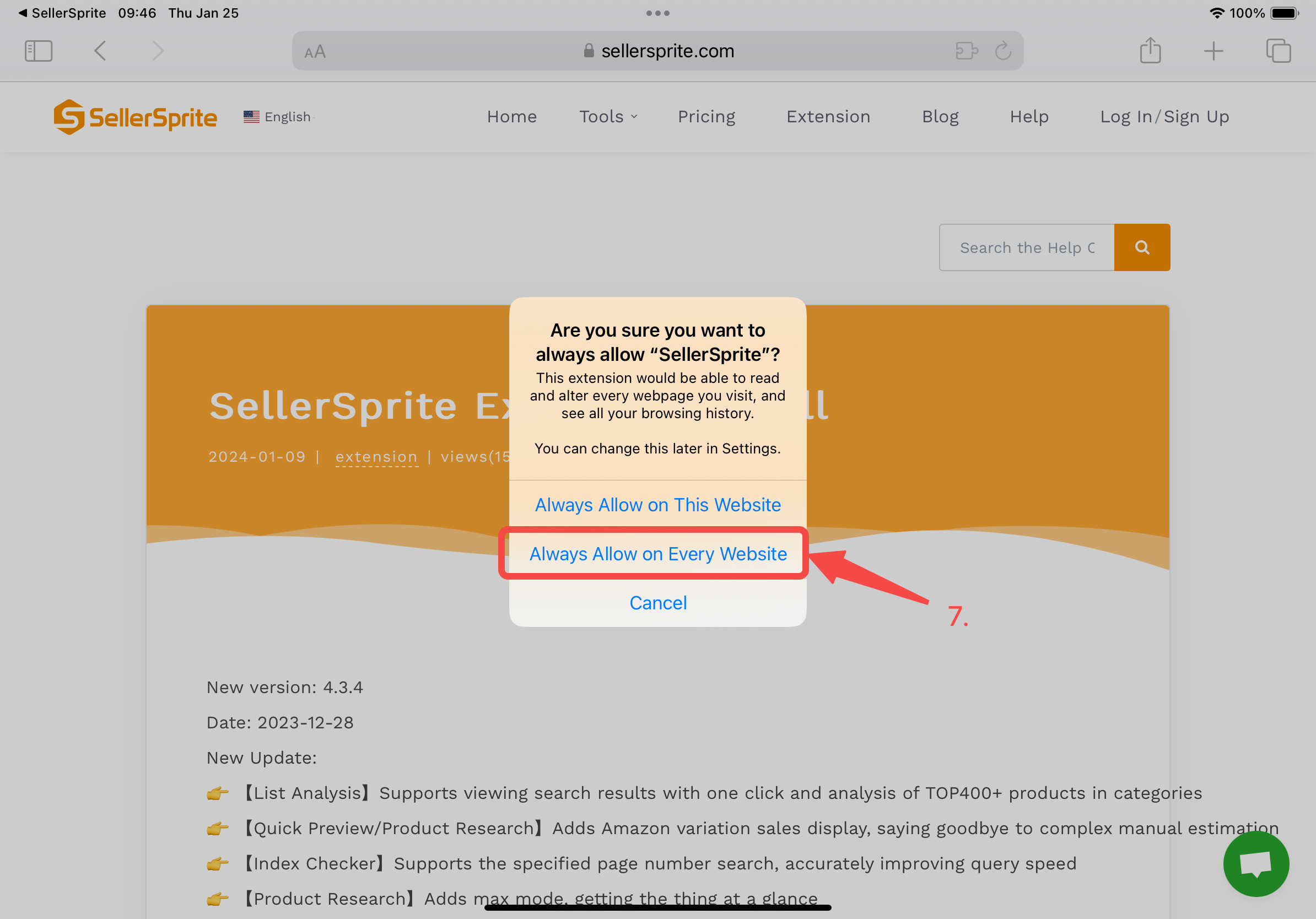
4. Choose "Always Allow" SellerSprite to be shown on Every Website
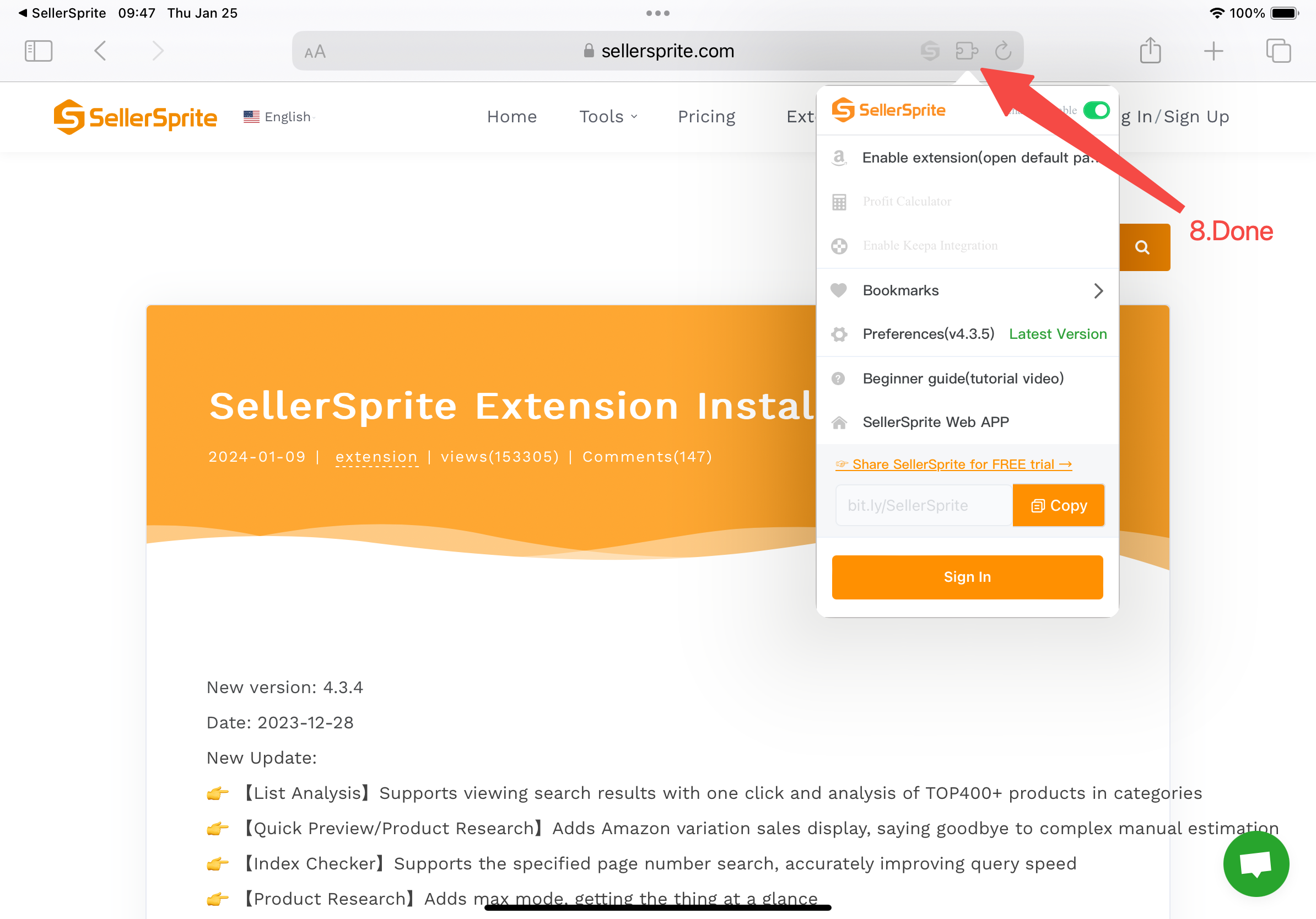
5. Click the extension setting to see it.